Google Sheets

Google Sheets

By Google

  • Category: Productivity
  • Release Date: 2014-04-30
  • Current Version: 1.2026.19100
  • Adult Rating: 4+
  • File Size: 368.53 MB
  • Developer: Google
  • Compatibility: Requires iOS 17.0 or later.
Score: 4.80839
4.80839
From 1,751,556 Ratings

Description

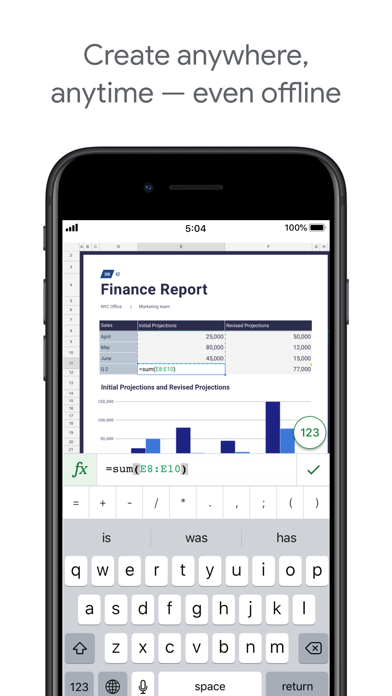
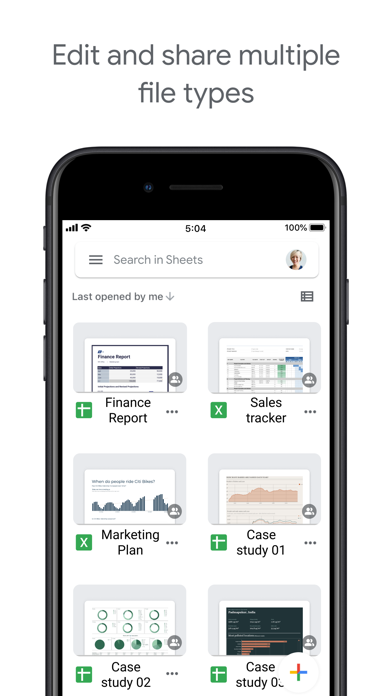
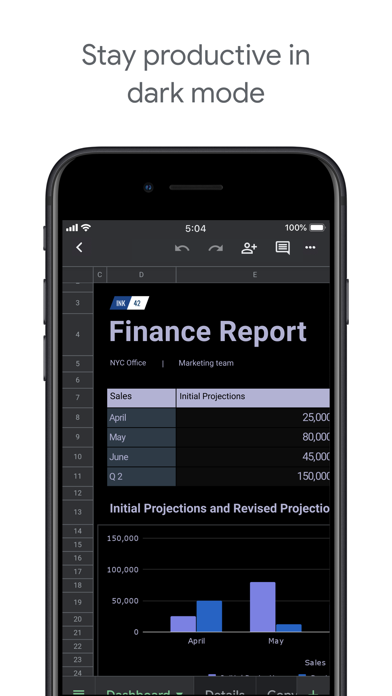
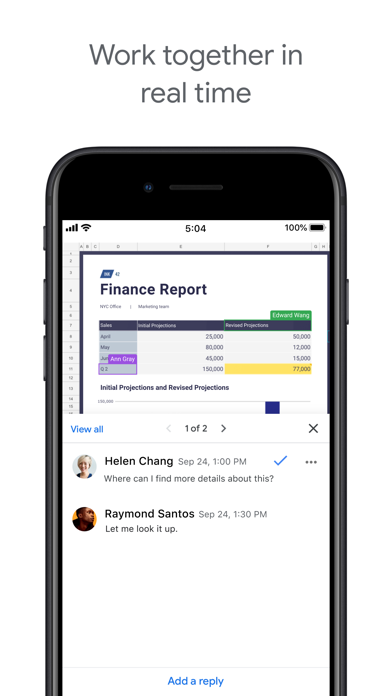
Create, edit, and collaborate on spreadsheets with the Google Sheets app. With Sheets you can: * Create new spreadsheets or edit existing ones * Share spreadsheets and collaborate with others in the same spreadsheet at the same time * Work anywhere, anytime - even offline * Format cells, enter/sort data, view charts, insert formulas, use find/replace, and more * Never worry about losing your work -- everything is automatically saved as you type * Open, edit, and save Excel files Google Sheets is part of Google Workspace: where teams of any size can chat, create, and collaborate. Google Workspace subscribers have access to additional Google Sheets features, including: * Easily add collaborators to projects, see changes as they occur, receive notifications for edits that happen while you’re away, and chat with colleagues in the same spreadsheet. All changes are automatically saved as you make them. And with offline access, you can create, view, and edit files wherever and whenever * Get insights fast, powered by Google AI * Work seamlessly across Sheets and Excel * Maintain control with enterprise-grade security * Analyze data from other business-critical tools * Build custom solutions
Screenshots

Reviews

  • The Google Sheets app should be a full workforce version, instead of a fancy app which lacks major f

    2
    By WhiteNight2023
    Google Sheets on the desktop is an absolute powerhouse for productivity, but the mobile app feels like a "lite" version designed only for viewing, not for actual heavy lifting. If Google wants this to be a serious workforce tool, they need to stop prioritizing the "fancy," minimalist mobile UI and actually port over the functional power of the desktop version. • Missing Core Features: You can’t bulk-add rows or columns efficiently, and major data tools like Pivot Table editing, Conditional Formatting rules, and Data Validation (dropdown) management are either hidden or completely non-existent. • Poor Navigation: Navigating frozen columns or large datasets is a nightmare compared to the desktop experience. The "fancy" touch interface often gets in the way of precision when selecting specific cell ranges.  • No Apps Script Support: For a "workforce" app, the lack of ability to run or even view basic scripts on mobile is a huge bottleneck. I shouldn't have to wait until I’m back at a computer to trigger a simple automation. • Formatting Limitations: Basic things like custom fill colors or advanced chart customization are stripped out. It makes the app feel like a toy rather than a professional spreadsheet tool.
  • Sheets is awesome.

    5
    By AndyRuppert
    I organize so many different parts of my life using Google Sheets, and the integration with Google Forms on the websites I build has been incredible. It makes collecting, organizing, and managing information simple and efficient, both for me and for my clients.
  • Useless on iPad app - most features not allowed.

    1
    By Cricket A
    This app only allows you to use part of its features. Then you try to log into your account online for features and it keeps defaulting to this awful app.
  • Invoice

    5
    By Nana Sew
    Meets my need
  • Stupid layout management

    1
    By don't want a nicknam
    Select a cell for input. Click the button to open the keyboard. The selected cell moves to be 1/2 hidden at the top of window. It shouldn’t move unless necessary to be clear of the keyboard and then move to be just above the keyboard
  • Constant crashes

    1
    By hilarita
    I have a sheet with about 300 lines, including pictures, which I get makes it bigger but it crashes literally every time I open it. It is unusable.
  • Not working. Fix it please.

    1
    By wzxxc
    You can’t open any Excel sheets. I saw a complaint six months ago and you still haven’t fixed it. What’s the problem? What am I paying for?
  • Yes, please

    5
    By Buggincourt
    Not only is this app easy to use and free, but it instantly updates acvrosa my phone or my pc. this is a no-brainer for someone who is a small business owner or if you just wanna stay organized.
  • Top

    5
    By Degen10
    Очень удобное приложение!
  • Disappointingly unusable on an ipad with magic keyboard

    2
    By nailixat
    I really want to like this app, but right now I'm about ready to throw my ipad across the room; if I could open my sheet in Safari then it would be really usable, but everything I try forces it to open in the Google Sheets app, and there are just so many things I can't do well (or if it's doable it doesn't work according to any paradigm I'm expected) in the app that it's unusable. Please please please either fix your app or make it possible to use sheets on the web still for those of us who try to use an ipad like a laptop.

keyboard_arrow_up