InShot - AI Video Editor

InShot - AI Video Editor

By SHANTANU PTE. LTD.

  • Category: Photo & Video
  • Release Date: 2015-06-11
  • Current Version: 1.96.0
  • Adult Rating: 4+
  • File Size: 238.68 MB
  • Developer: SHANTANU PTE. LTD.
  • Compatibility: Requires iOS 15.0 or later.
Score: 4.85227
4.85227
From 2,428,850 Ratings

Description

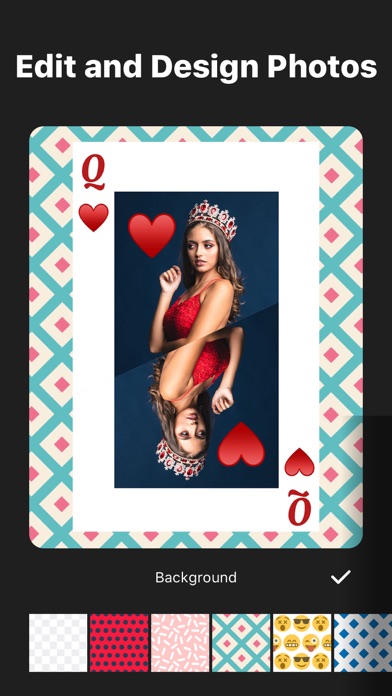
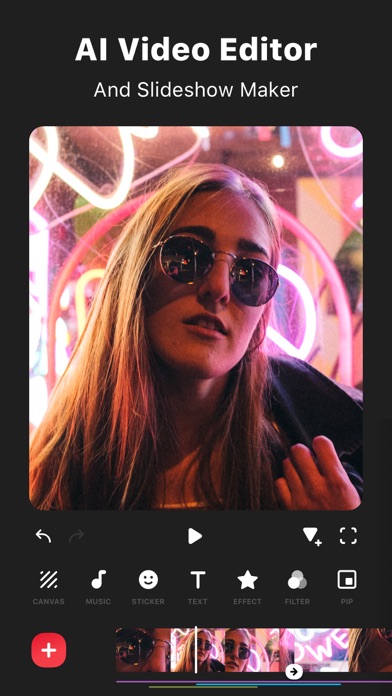
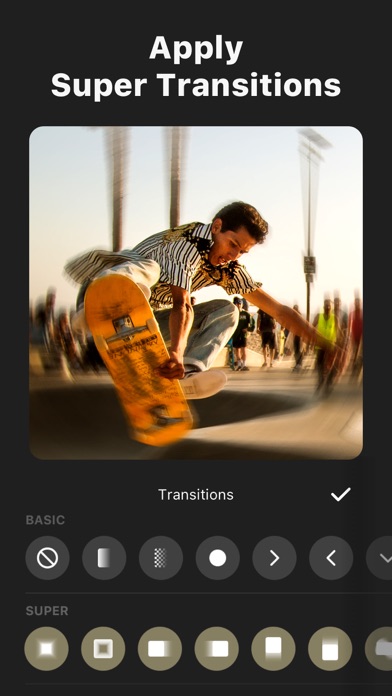
InShot: Empowering Creators with Advanced Video and Photo Editing. Unlock effortless editing with easy-to-use features and powerful AI tools, elevating your video and photo editing experience to new heights. [AI Tool] - AI Effects. Experience the magic of AI with instant presets that elevate your images and videos in just one tap. - Auto Captions. AI-powered speech-to-text tool helps you say goodbye to manual text typing and makes video editing effortless. - Auto Remove Background. Remove background of videos/photos at the touch of a button. - Smart tracking. Make stickers/text move seamlessly in sync with your tracking object motion, adding dynamic flair to your videos. - Smooth slow-mo. Experience seamless slow-motion effects for buttery smooth videos. - Auto Adjust. Instantly enhance your images and videos with one-tap. - Smart collage. Make photo collages with AI Blend effects and Screenshot Stitch with effortless caption recognition. [Video editing] - Trim/Merge clips. - Reverse videos. - Add text, emoji and InShot exclusive stickers. - Add music, sound effects & voice-overs. - Add various-styles voice effects. - Speed control. Speed up/slow down video. Add speed ramping. - Keyframe editing. Add custome keyframe animations. - Chromakey. Easily edit green screen video. - Picture-in-Picture. Create multi-layered videos. [Filters, Effects & Transitions] - Lots of cinematic filters. - Unique effects such as Glitch, Fade, Noise, Beats, Weather, Retro DV, celebrate, etc. - AI effects. Clone, stroke, auto-blur, etc. - Combine clips with super transitions. [Photo Editing] - Add text and stickers to photos, make fun story. - Add filters and adjust brightness, contrast, curves, etc. [Photo Collage] - Easy-to-use photo grid collage maker. - Create seamless collages with AI Blend. - AI subtitle detection in Captions stitch mode. - High-quality pic stitch in horizontal/vertical way. [Share] - High video output resolution. Now InShot support save in 4K, 60fps. - Share to social apps, like YouTube, Twitter, Instagram, WhatsApp, etc. [InShot Pro Unlimited Subscription] - With an InShot Pro Unlimited subscription, you have access to all features and paid editing materials including stickers, filter packages, etc. Watermark and advertisements will be removed automatically. - InShot Pro Unlimited subscription is billed monthly or annually at the rate corresponding to the selected plan. - Payment will be charged to iTunes Account at confirmation of purchase. - Subscription automatically renews unless auto-renew is turned off at least 24-hours before the end of the current period. - Account will be charged for renewal within 24-hours prior to the end of the current period, and identify the cost of the renewal. - Subscriptions may be managed by the user and auto-renewal may be turned off by going to the user's Account Settings after purchase. - Any unused portion of a free trial period, if offered, will be forfeited when the user purchases a subscription to that publication, where applicable. [Terms of Use] https://inshot.cc/terms/terms.html [Privacy Policy] https://inshot.cc/terms/privacy.html Feel free to contact us: inshot.ios@inshot.com, your feedback and suggestions are important to us! For more InShot news and tutorials, follow us on YouTube @InShot Video Editor. [Disclaimer]: InShot is not affiliated, associated, sponsored, endorsed by, or in any way officially connected with YouTube, Instagram, TikTok, Facebook, Twitter. Acknowledgements: FUGUE Music https://icons8.com/music/
Screenshots

Reviews

  • Best Editing APP out

    5
    By Lon Lucci
    It’s so convenient that I can edit my videos and pictures almost anywhere. I wish I could edit 2 videos at once though like my pics. And I also wish I can save video templates for my videos. Example: I use the same intro I made for all my videos but I have to go back and get that 7 sec clip from my previous video. Last but not least I wish you guys made a desktop version of the app that I can edit on my PC. I love this app though. Thank you!
  • Mohamed

    5
    By Bearfvkkcx
    استخدمه اكتر من 10 سنوات تطبيق سلس ورائع انصح بتنزيله
  • Me

    5
    By P914
    Thx
  • Great

    5
    By XB studios
    My goto editing software! Sometimes I use both iMovie and inshot!
  • Great!

    5
    By XB studios
    Inshots my go-to editing software!
  • I recommend using this app

    4
    By Cheese man45
    I make a lot of edits for a YT channels, while editing my YT vids using this, and I would recommend this, but I don’t really like the VIP stuff, cuz I can’t use a lot of the stuff for editing on it.
  • We need more text-to-speech voices for free

    1
    By Iamkasaneteto
    Please see this >:( We should get more free text-to-speech voices. We only get 6 free one?! (In English) like, can we maybe get more, that would help with my video edits!
  • Wow absolutely amazing

    5
    By JoshRus
    The Ultimate Mobile Editing Powerhouse InShot has completely transformed my content creation workflow. As a digital creator, I need a reliable, fast, and feature-rich video editor on my phone. This app exceeds expectations by delivering desktop-class editing tools right to my fingertips. The user interface is incredibly intuitive, making it accessible for absolute beginners while remaining powerful enough for seasoned professionals. Feature-Rich and Flawless Performance The sheer variety of editing features packed into this app is mind-blowing. Trimming, splitting, and merging clips happens seamlessly without any lagging or stuttering. The advanced timeline allows for precise frame-by-frame adjustments, ensuring my edits align perfectly with my vision. I am constantly impressed by how smoothly the app renders heavy 4K video files without draining my battery. Unmatched Audio and Visual Libraries The built-in asset library elevates my production value instantly. The massive collection of royalty-free music tracks, sound effects, and voice-over tools makes audio engineering a breeze. Additionally, the transition effects, filters, and dynamic stickers allow me to add a polished, professional aesthetic to every project. The keyframe animation tool is an absolute game-changer for adding smooth custom motion to text and graphics. Seamless Social Media Exporting Formatting content for different platforms used to be a frustrating chore. InShot solves this perfectly with its one-tap canvas resizing tool for TikTok, Instagram Reels, and YouTube. Exporting my finalized videos is incredibly fast, offering customizable resolutions and frame rates up to 60 FPS. The color preservation during export is flawless, ensuring my videos look exactly as intended on every social platform. Value That Exceeds the Price This app is worth every single penny and more. The developers constantly roll out stable updates with innovative features that anticipate creator needs. It operates reliably without crashes, freeze-ups, or annoying bugs. If you want to create stunning, viral-ready videos directly from your mobile device, look no further than this app.
  • I love this app

    5
    By Bryce1234567890123456789
    Good for edits
  • 9 out of 10 times video won’t save

    1
    By lena silver
    It’s become a huge problem that videos are unable to save. Big appears all the time and I lose hours and hours of work without being able to save what I have created. It’s been going of for a few months now and nothing has been fixed. Deeply disappointed!

keyboard_arrow_up