FAX from iPhone: Send Doc App

FAX from iPhone: Send Doc App

By Municorn Limited

  • Category: Business
  • Release Date: 2015-05-20
  • Current Version: 2.13.22
  • Adult Rating: 4+
  • File Size: 113.37 MB
  • Developer: Municorn Limited
  • Compatibility: Requires iOS 15.0 or later.
Score: 4.78373
4.78373
From 365,466 Ratings

Description

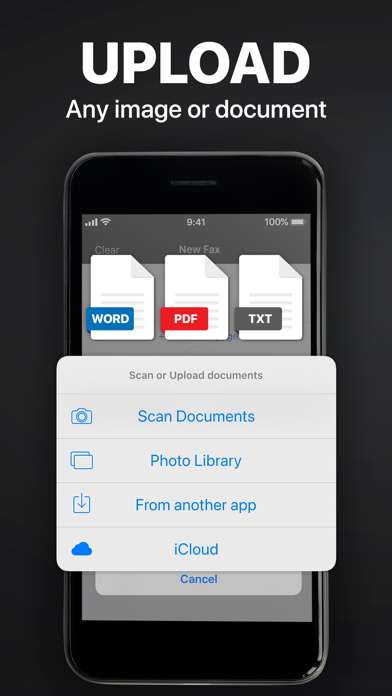
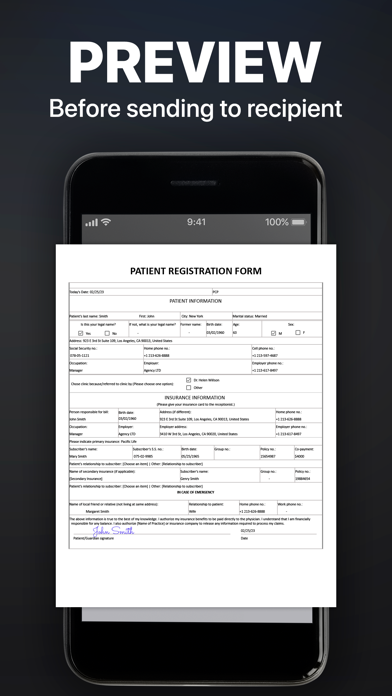
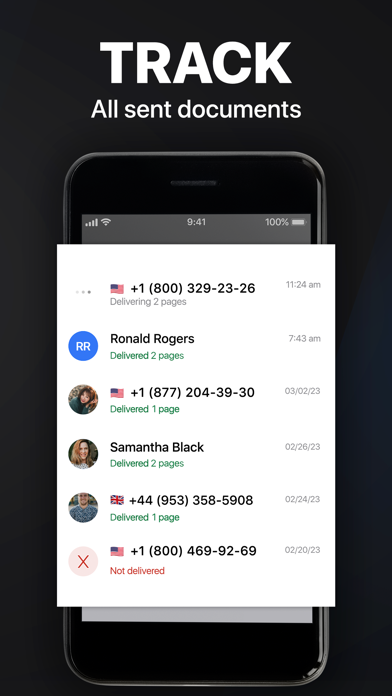
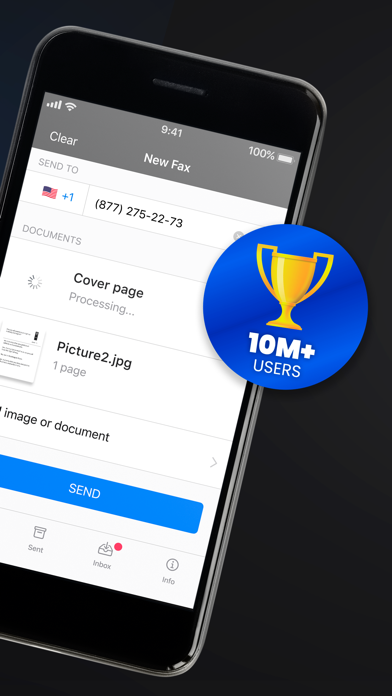
Send & receive faxes from iPhone or iPad on the go. Fast and easy! No Fax Machine Required! Send any document everywhere. NO need to use an old school fax machine or go to a fax office. Key Features: Powerful fax app: - Fax from iPhone in 90+ international countries; - Advanced document scanner & image processing; - Best possible quality achieved no matter what types of documents you use; - Combine multiple documents into a ​single fax; - Preview any document before sending; Receiving faxes: - Dedicated number to receive faxes; - Receive faxes from anywhere in the world; Upload any types of documents: - Send just about any file type as a fax (PDF, DOC, JPG, PNG & TIFF, HTML); - Create new documents with images as you go (Photo Gallery, Camera); - Import any types of documents (Dropbox, iCloud, Google Drive, Box or any other source). Try powerful tracking: - Track sent documents status via fax app. Note, please: ------------------ For free: 1. Download for free and streamline your faxing without ads; 2. Prepare and process documents at no charge; 3. Try it out by sending a demo fax to any number for free. Ongoing fax services require an Active subscription. *Opt for an annual subscription and save up to 52% compared to weekly payments. ------------------ Information about the auto-renewal of subscription: - Payment will be charged to iTunes Account at confirmation of purchase; - Subscription automatically renews unless auto-renew is turned off at least 24-hours before the end of the current period; - The account will be charged for renewal within 24-hours before the end of the current period. The cost depends on the selected plan; - Subscriptions may be managed by the user and auto-renewal may be turned off by going to the user’s Account Settings after purchase; Privacy Policy: https://comfax.com/privacy/ Terms of Use: https://comfax.com/terms/ For any questions or inquiries, please get in touch: support@comfax.com * iPhone and iPad are trademarks of Apple Inc.
Screenshots

Reviews

  • Awesome

    5
    By Bookeybear91
    Best app to fax in the world so easy fast and convenient
  • Klf

    5
    By klfrazier99
    Excellent app
  • My child accidentally used this app and ended up being charged without my intention I contacted cust

    1
    By عالر الوقت
    My child accidentally used this app and ended up being charged without my intention I contacted customer support but they refused to help Most apps offer a 3-day free trial or at least allow refunds in situations like this but this app does neither . That’s very disappointing and feels unfair to customers. I do Not recommend this app at all Be careful , especially if kids have access to your phone
  • Very Expensive

    5
    By Zoomzoomiii
    Very expensive for minimal use users. It worked well the two times I have used it.
  • Fax

    5
    By Rai-dar
    Awesome and very simple to send fax, snap photo and send
  • Review

    5
    By JEThorpe
    I have been using this for a while now and I think it’s great
  • In a pinch

    5
    By Experienced massage therapist
    I needed a fax sent yesterday- so right now was the next fastest way- thanks for making this possible.
  • Convenient

    5
    By Thatxjguy
    I would use this app again whenever I need to send a fax, which isn’t often.
  • Works great but $60 a MONTH?

    3
    By HolyGuac?!
    This app is great, but there's absolutely no way I'm paying 14.99 a week for this after the $9.99 a week trial. Which is also expensive. $14.99 a month would make more sense but really?? $15 a WEEK!?
  • Got everything fixed

    4
    By No to subscriptions, ever
    App seems to work fine. Cost of subscription is way too high for occasional personal usage, unfortunately.

keyboard_arrow_up